> For the complete documentation index, see [llms.txt](/llms.txt).
Heads up
You've landed on a guide that still uses the MetaMask legacy SDK (`@metamask/sdk`). The MetaMask Connect integration for this library is coming soon. Once ready, it will be linked from the sidebar navigation. In the meantime, this guide is still valid if you're using MetaMask SDK.
# Connect to MetaMask using JavaScript + RainbowKit
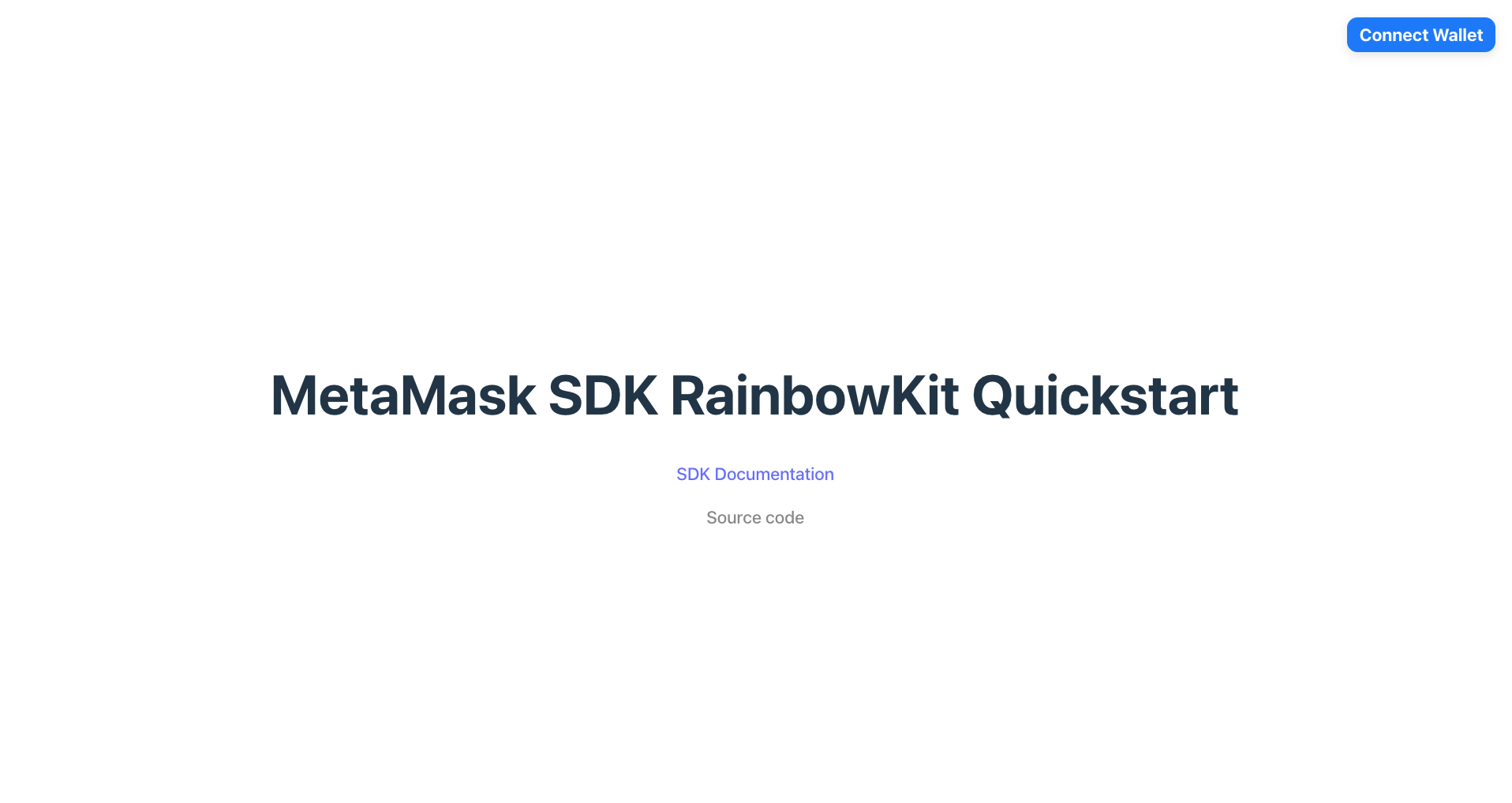
Get started with MetaMask SDK in a JavaScript and RainbowKit dapp. [Download the quickstart template](#set-up-using-a-template) or [manually set up MetaMask SDK](#set-up-manually) in an existing dapp.
[](https://metamask-rainbowkit-demo.vercel.app/)
## Prerequisites[](#prerequisites "Direct link to Prerequisites")
- [Node.js](https://nodejs.org/) version 19 or later installed.
- A package manager installed, such as [npm](https://docs.npmjs.com/downloading-and-installing-node-js-and-npm), [Yarn](https://yarnpkg.com/), [pnpm](https://pnpm.io/installation), or [bun](https://bun.sh/).
- [MetaMask](https://metamask.io/) installed in your browser or on mobile.
- A WalletConnect project ID from the [Reown dashboard](https://dashboard.reown.com/sign-in).
## Set up using a template[](#set-up-using-a-template "Direct link to Set up using a template")
1. Download the [MetaMask SDK RainbowKit template](https://github.com/MetaMask/metamask-sdk-examples/tree/main/quickstarts/rainbowkit):
```
npx degit MetaMask/metamask-sdk-examples/quickstarts/rainbowkit metamask-rainbowkit
```
2. Navigate into the repository:
```
cd metamask-rainbowkit
```
Degit vs. Git clone
`degit` is a tool that enables cloning only the directory structure from a GitHub repository, without retrieving the entire repository.
Alternatively, use `git clone` to download the entire repository. Clone the MetaMask SDK examples repository and navigate into the `quickstarts/rainbowkit` directory:
```
git clone https://github.com/MetaMask/metamask-sdk-examples
cd metamask-sdk-examples/quickstarts/rainbowkit
```
3. Install dependencies:
```
pnpm install
```
4. Create a `.env.local` file:
```
touch .env.local
```
5. In `.env.local`, add a `VITE_WALLETCONNECT_PROJECT_ID` environment variable, replacing `` with your WalletConnect project ID:
.env.local
```
VITE_WALLETCONNECT_PROJECT_ID=
```
6. Run the project:
```
pnpm dev
```
## Set up manually[](#set-up-manually "Direct link to Set up manually")
### 1. Install the SDK[](#1-install-the-sdk "Direct link to 1. Install the SDK")
Install MetaMask SDK along with its peer dependencies to an existing React project:
- npm
- Yarn
- pnpm
- Bun
```
npm install @rainbow-me/rainbowkit wagmi viem@2.x @tanstack/react-query
```
```
yarn add @rainbow-me/rainbowkit wagmi viem@2.x @tanstack/react-query
```
```
pnpm add @rainbow-me/rainbowkit wagmi viem@2.x @tanstack/react-query
```
```
bun add @rainbow-me/rainbowkit wagmi viem@2.x @tanstack/react-query
```
### 2. Import required dependencies[](#2-import-required-dependencies "Direct link to 2. Import required dependencies")
In the root of your project, import the required RainbowKit, Wagmi, and TanStack Query dependencies:
```
import '@rainbow-me/rainbowkit/styles.css'
import { getDefaultConfig, RainbowKitProvider } from '@rainbow-me/rainbowkit'
import { WagmiProvider } from 'wagmi'
import { metaMaskWallet } from '@rainbow-me/rainbowkit/wallets'
import { mainnet, linea, sepolia, lineaSepolia } from 'wagmi/chains'
import { QueryClientProvider, QueryClient } from '@tanstack/react-query'
```
### 3. Configure your project[](#3-configure-your-project "Direct link to 3. Configure your project")
Set up your configuration with the desired chains and wallets. In the following example, replace `` with your WalletConnect project ID:
```
const config = getDefaultConfig({
appName: 'MetaMask SDK RainbowKit Quickstart',
projectId: '',
chains: [mainnet, linea, sepolia, lineaSepolia],
wallets: [
{
groupName: 'Preferred',
wallets: [metaMaskWallet],
},
],
ssr: false, // true if your dapp uses server-side rendering.
})
```
### 4. Set up providers[](#4-set-up-providers "Direct link to 4. Set up providers")
Wrap your application with the `WagmiProvider`, `QueryClientProvider`, and `RainbowKitProvider` providers:
```
const queryClient = new QueryClient()
createRoot(document.getElementById("root")!).render(
);
```
### 5. Add the connect button[](#5-add-the-connect-button "Direct link to 5. Add the connect button")
Import and render the `ConnectButton` component:
```
import { ConnectButton } from '@rainbow-me/rainbowkit'
function App() {
return
}
export default App
```
Test your dapp by running `pnpm run dev`.
## Next steps[](#next-steps "Direct link to Next steps")
- [Manage user accounts](/metamask-connect/evm/guides/manage-user-accounts/)
- [Send transactions](/metamask-connect/evm/guides/send-transactions/)
- [Sign data](/metamask-connect/evm/guides/sign-data/)
- [Interact with smart contracts](/metamask-connect/evm/guides/interact-with-contracts/)
## Live example[](#live-example "Direct link to Live example")